Get Vouch
Free, for Chrome and Safari. Not in the stores yet: both buttons take you to the form, and you hear from us the day it lands.
Set up in three steps
Chrome
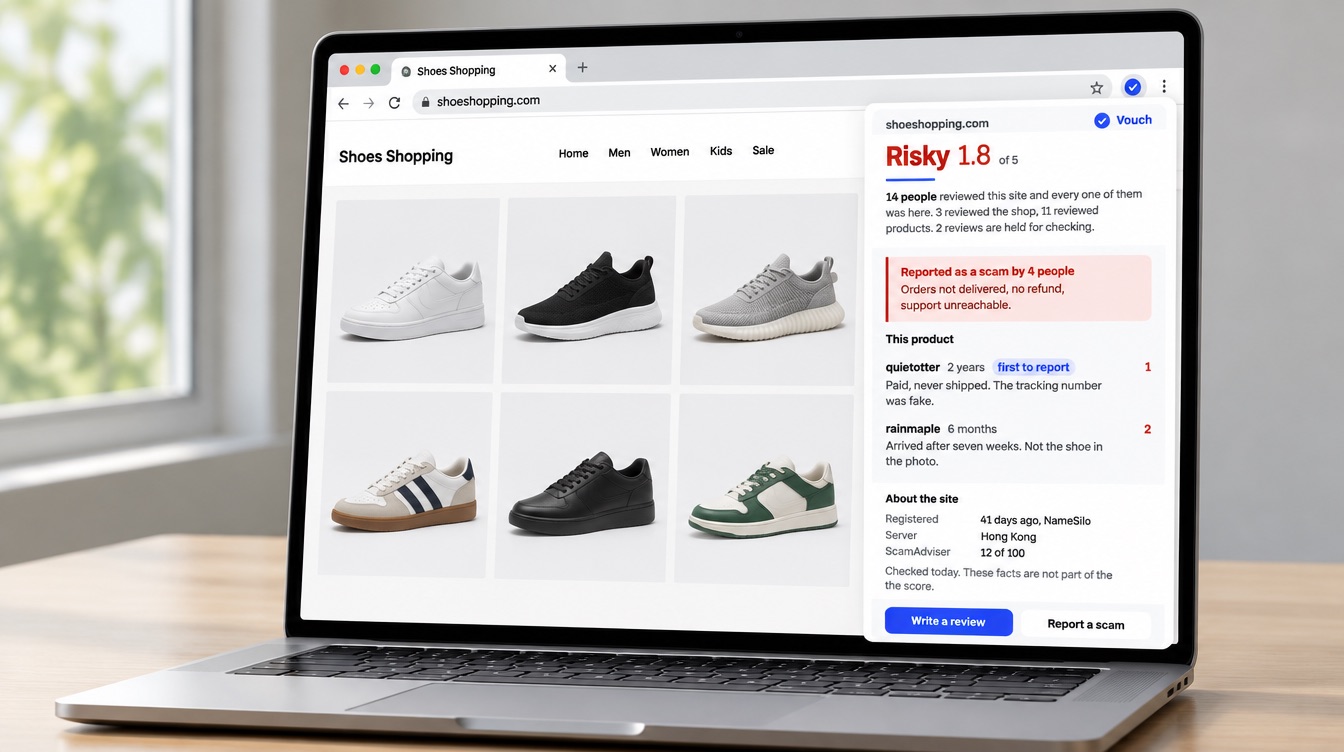
- Add it to ChromeFrom the Chrome Web Store, press Add to Chrome and confirm. Vouch asks for one permission: to read the address of the tab you are on.
- Pin itOpen the puzzle-piece menu next to the address bar and pin Vouch, so the pill is always in reach.
- Sign in with your phoneOne account per phone number. Nothing else is asked, and the number is stored hashed. Until then you can read every verdict but not write.
Safari
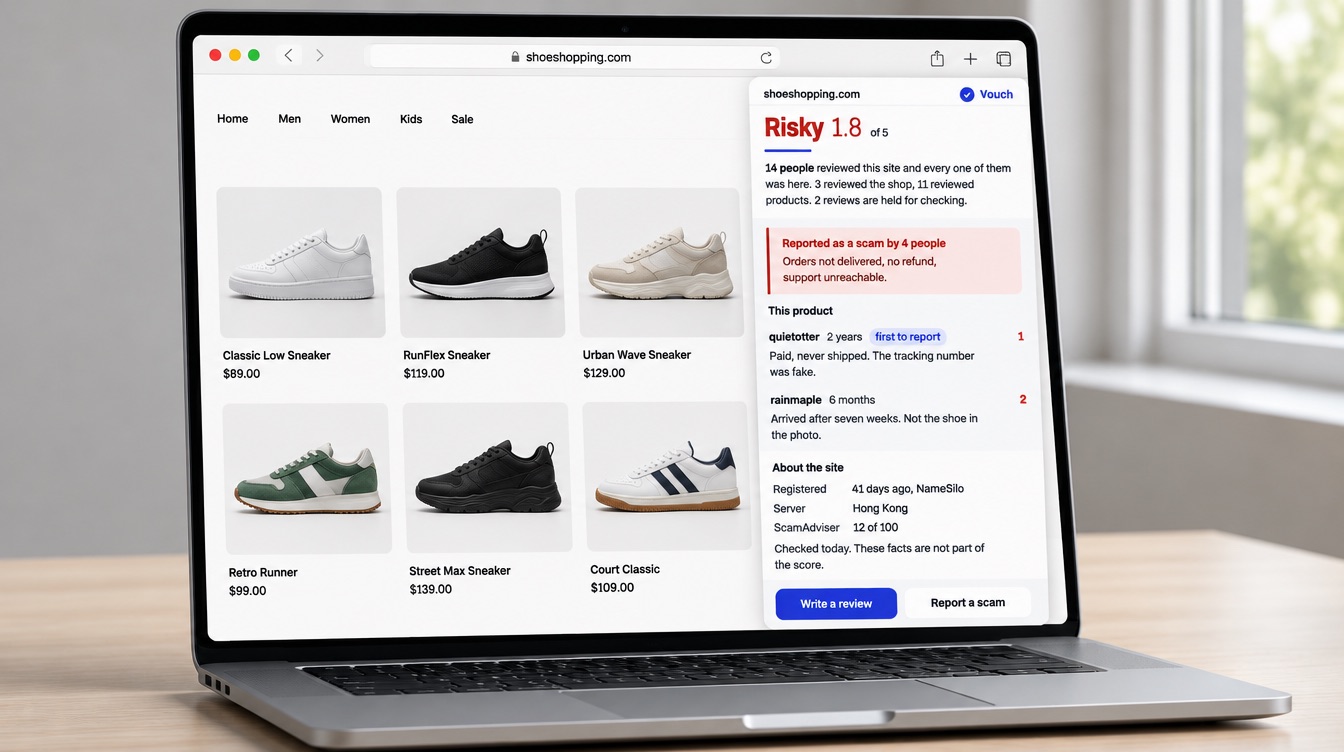
- Get it from the App StoreVouch for Safari ships as a small Mac app. Install it and open it once.
- Turn it onIn Safari, open Settings, then Extensions, and tick Vouch. Choose Allow on every website so the pill can appear anywhere.
- Sign in with your phoneSame account as Chrome. Sign in once and the pill follows you.
What it needs from you
- The address of the current tab
- So the pill knows which site you are on. Nothing on the page itself is read.
- Nothing stored until you act
- A visit is saved only when you open the panel, rate a site or flag it.
- No account to read
- Verdicts and reviews are open to everyone with the extension. The phone number is for writing.
Questions first? Write to us.